Laser Engraving Problems & Solutions for the Industrial User

In industrial manufacturing, laser engraving is often viewed as a simple finishing step. But when marking problems occur, the consequences can quickly spread throughout the production process.
A barcode that won’t scan, a part that fails traceability requirements, or a mark that becomes unreadable after coating can all create unexpected production bottlenecks. These issues lead to rework, rejected parts, delayed shipments, and increased labor costs. In industries where permanent identification is required for compliance or quality assurance, poor marking quality can create even greater risks.
The good news is that most laser engraving problems stem from a handful of common causes. Understanding why these issues occur, and how experienced manufacturers address them, and help improve mark quality, production efficiency, and long-term traceability.
Below are some of the most common industrial laser engraving problems and solutions, along with practical insights gathered from real-world marking applications.
Burn Marks and Heat Damage on Parts
The Hidden Impact of Excessive Heat
At first glance, a burn mark may seem like a cosmetic issue. In reality, excessive heat can create problems that extend far beyond appearance.
We’ve seen applications where overheating reduced barcode readability, interfered with coatings, or caused visible discoloration that led to rejected parts. In industries with strict quality standards, these seemingly minor issues can quickly become production concerns.
The challenge is that excessive heat isn’t always obvious during the marking process. By the time operators notice inconsistent marks, the underlying issue may have already affected dozens or hundreds of parts.
What Causes Burn Marks?
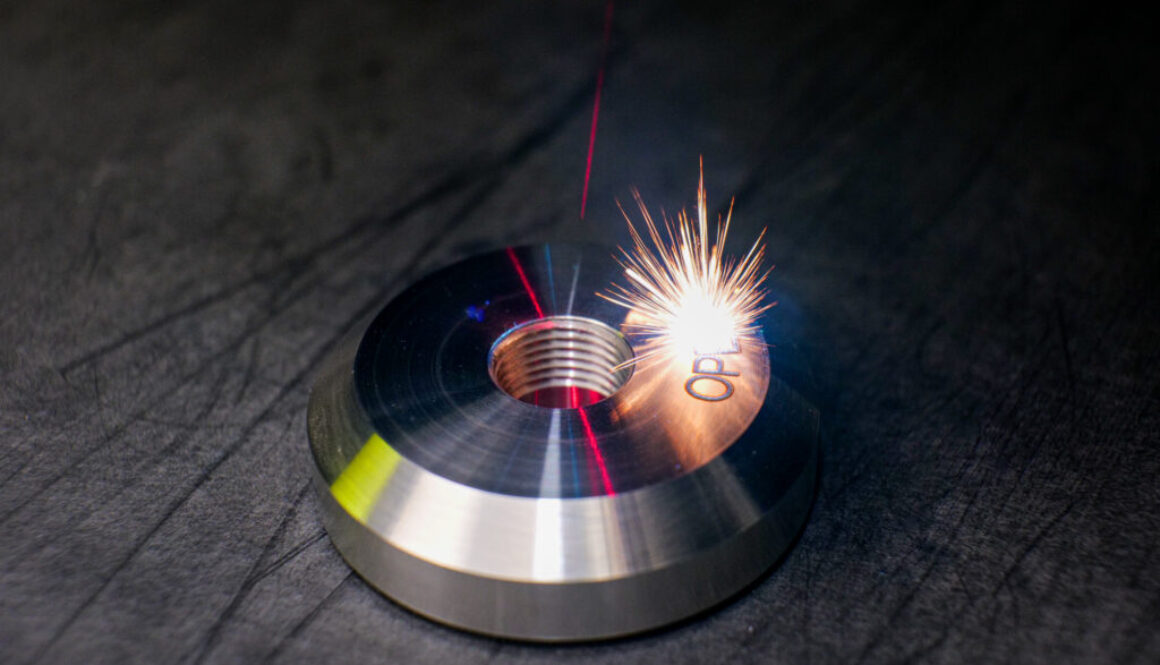
Burn marks typically occur when too much laser energy is concentrated in one area for too long.
This can happen when laser power is set too high, marking speed is too slow, or the focal point is not properly positioned. Another factor is dwell time—the amount of time the laser remains concentrated on a specific location. Longer dwell times increase heat buildup and can cause excessive material discoloration or distortion.
Pulse frequency can also play a role. Pulse frequency refers to how often the laser emits energy pulses. Adjusting frequency changes how energy is delivered to the material and can significantly affect both contrast and heat generation.
How to Reduce Heat Damage
The solution is rarely as simple as reducing power.
Instead, successful applications often involve balancing speed, power, frequency, and focus to achieve the desired mark while minimizing unnecessary heat. Increasing marking speed, optimizing focus, and adjusting pulse frequency can often improve results without sacrificing readability.
Common Misconceptions
One of the most common misconceptions we encounter is that darker marks automatically indicate better marking quality. In many cases, excessive darkening is actually an early sign of overheating. Cleaner, more consistent marks often come from optimizing the process rather than simply increasing laser power.
Shallow or Inconsistent Engraving Depth
When Depth Determines Durability
For industrial applications, engraving depth is directly tied to long-term performance.
A mark that looks acceptable immediately after production may become difficult to read after exposure to abrasion, cleaning chemicals, environmental conditions, or secondary manufacturing processes. This is especially important when permanent identification is required for regulatory compliance or traceability.
If a mark cannot be read years after a product enters service, the entire purpose of permanent marking is undermined.
What Causes Inconsistent Depth?
Depth issues are often caused by a combination of machine settings and material variables.
Insufficient laser power, improper focus, and inconsistent processing parameters can all contribute to shallow engraving. Material properties also play a significant role. Stainless steel, aluminum, and hardened alloys absorb laser energy differently, which means a setting that works well for one material may not produce the same results on another.
How to Achieve Consistent Results
The best approach is to optimize the process for the specific application rather than relying on generic settings.
Increasing the number of laser passes, adjusting marking speed, and testing settings on production materials can often improve engraving depth while maintaining overall mark quality. Standardizing these settings across operators and production runs also helps ensure consistency.
A Better Approach to Deep Marking
Many manufacturers assume deeper engraving requires more power. In practice, we’ve often found that multiple controlled passes produce cleaner, more consistent marks than a single high-power pass. This approach can improve durability while reducing heat-related defects.
Unreadable Barcodes and Data Matrix Codes

The Cost of a Failed Scan
Few marking issues create production bottlenecks as quickly as an unreadable barcode.
Modern manufacturing relies heavily on barcode and Data Matrix codes for traceability, inventory management, quality control, and automation. When a code fails to scan, operators may need to manually enter information, production lines may stop, and quality teams may be forced to investigate the cause.
What begins as a marking issue can quickly become a workflow issue.
What Causes Barcode Failures?
The most common culprit is poor contrast between the mark and the material surface.
However, barcode failures can also result from improper sizing, overburned edges, inconsistent cell structures, or surface contamination. Even codes that appear readable to the human eye may fail machine vision systems if marking parameters are not properly optimized.
Improving Barcode Readability
Successful barcode marking requires consistency.
Manufacturers should verify code dimensions, optimize contrast, and ensure that marking parameters create clean edges and uniform cells. Verification systems can also help identify readability issues before parts move downstream.
Before You Blame the Scanner
When customers experience barcode scanning issues, the scanner often gets blamed first.
More often than not, the root cause can be traced back to inconsistent mark quality. Improving the marking process frequently resolves scanning issues without requiring changes to inspection equipment.
Material Matters: Aluminum vs. Stainless Steel
 Why Material Behavior Changes Everything
One of the biggest mistakes manufacturers make is assuming all metals respond to laser engraving in the same way.
In reality, material properties often have a greater impact on marking results than machine settings alone. Aluminum and stainless steel are both commonly marked materials, but each presents unique challenges.
Laser Engraving Aluminum
Aluminum’s reflective surface can make it difficult to achieve high-contrast marks without introducing unwanted discoloration.
In many cases, lower power settings combined with faster marking speeds produce better results than aggressive engraving parameters. Fiber laser systems are often preferred because they provide precise energy delivery while maintaining excellent mark quality on metal surfaces.
Laser Engraving Stainless Steel
Stainless steel offers greater flexibility but often requires manufacturers to choose between annealing and engraving.
Annealing creates a dark surface mark by altering the material without removing it. Engraving removes material to create a deeper, more permanent mark. The best option depends on the application’s durability requirements, environmental exposure, and aesthetic preferences.
Material Over Machine Power
We’ve found that solving material-specific marking issues often requires understanding how the material reacts to laser energy rather than simply adjusting machine settings. The most effective solution isn’t always more power—it’s often a better understanding of the material itself.
Ventilation and Fume Extraction
A Problem You Can’t Always See
When discussing laser engraving problems, ventilation is rarely the first topic that comes to mind. However, poor fume extraction can directly impact both mark quality and equipment performance.
Depending on the material being marked, laser engraving can generate smoke, dust, and airborne contaminants. Over time, these particles can accumulate on optics, reducing laser performance and increasing maintenance requirements.
How to Address Ventilation Challenges
Effective fume extraction systems help remove contaminants from the marking environment before they can affect equipment or operators. Routine maintenance and filter replacement are equally important to maintaining consistent performance.
An Overlooked Cause of Inconsistent Marks
We’ve seen situations where manufacturers spend significant time adjusting marking parameters when the real issue is contaminated optics caused by inadequate extraction. Proper ventilation often improves both mark quality and equipment reliability.
Solving Laser Engraving Problems Starts with Process Optimization
Most industrial laser engraving problems can be traced back to process optimization rather than equipment limitations. Burn marks, inconsistent depth, unreadable barcodes, and poor material-specific results are often symptoms of settings, material interactions, or workflow challenges that can be addressed through testing and standardization.
By understanding how laser parameters affect different materials and applications, manufacturers can improve traceability, reduce rework, and maintain consistent production quality.
In many cases, small adjustments to speed, focus, frequency, or process controls can have a much greater impact than increasing power alone. The most successful laser engraving operations are those that prioritize consistency, repeatability, and application-specific optimization from the start.

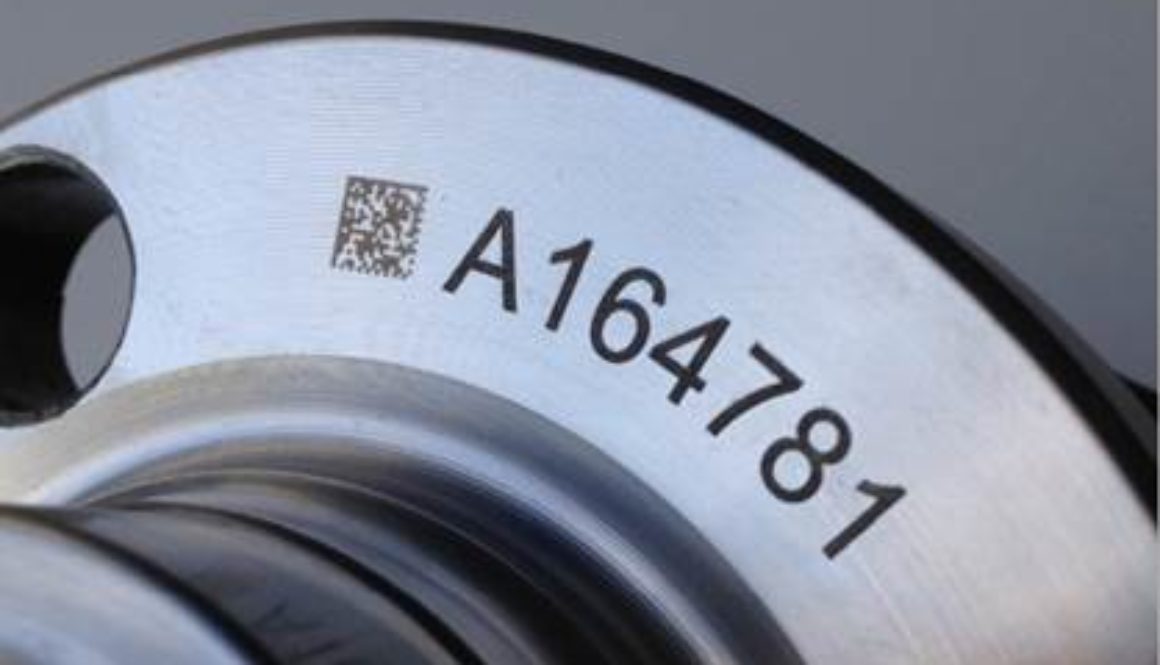

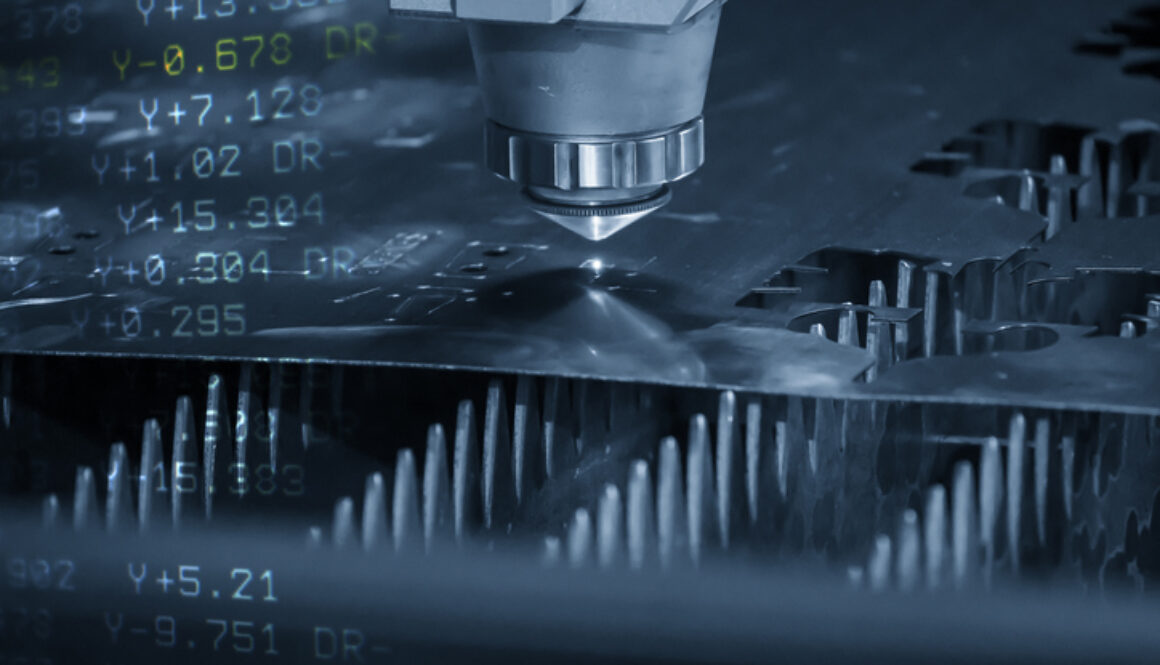
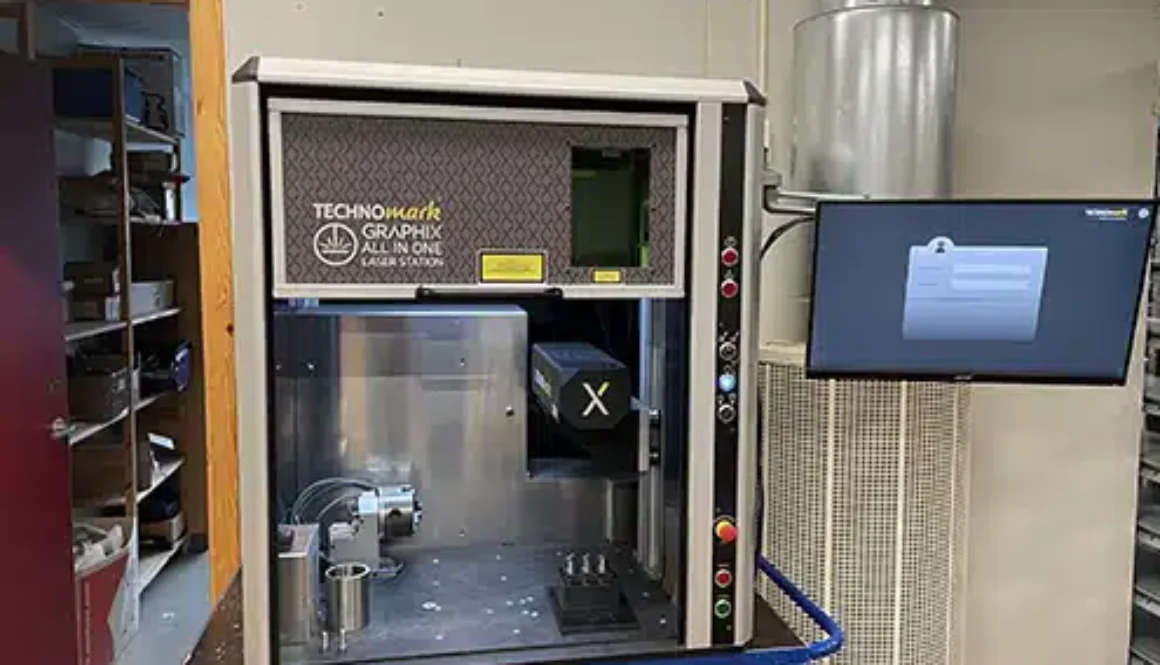

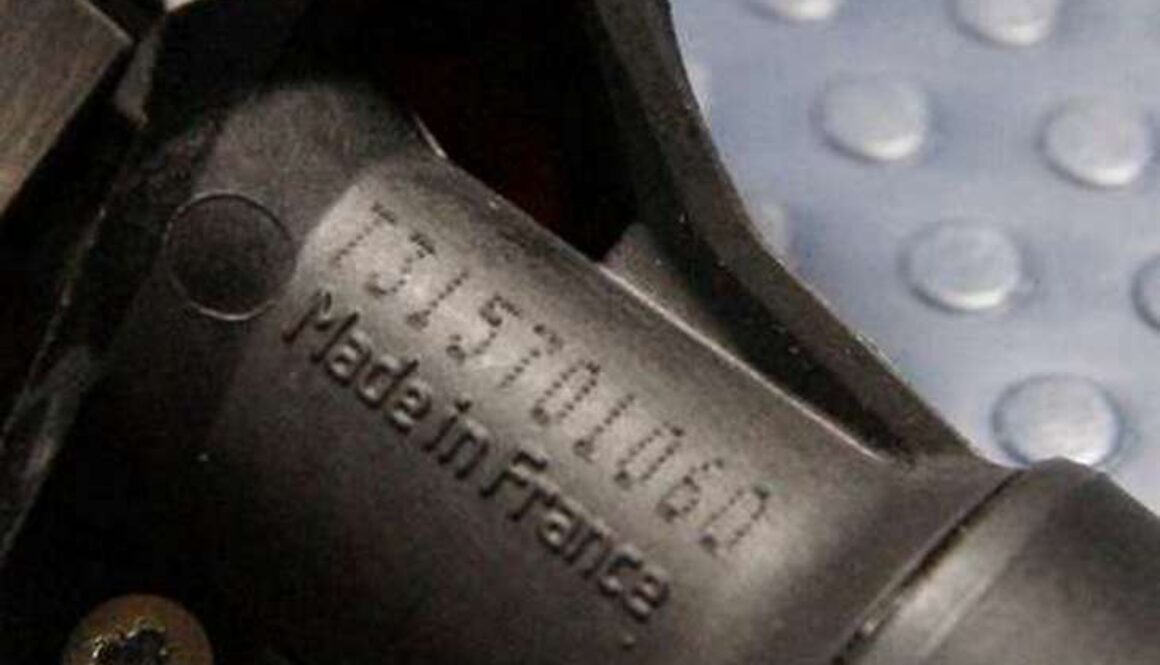

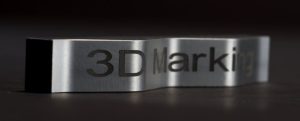 Laser marking wins in precision and detail, making it preferable for industries requiring intricate designs or small text. It is considered ideal for barcodes, UID codes, QR codes, and detailed logos.